REFRACT
Photography Analysis & Enhancement
2389CB31-E453-4B94-8A98-765EE6D44637_Original.jpeg
Multi-LLM Analysis
Consensus Score
Original Review
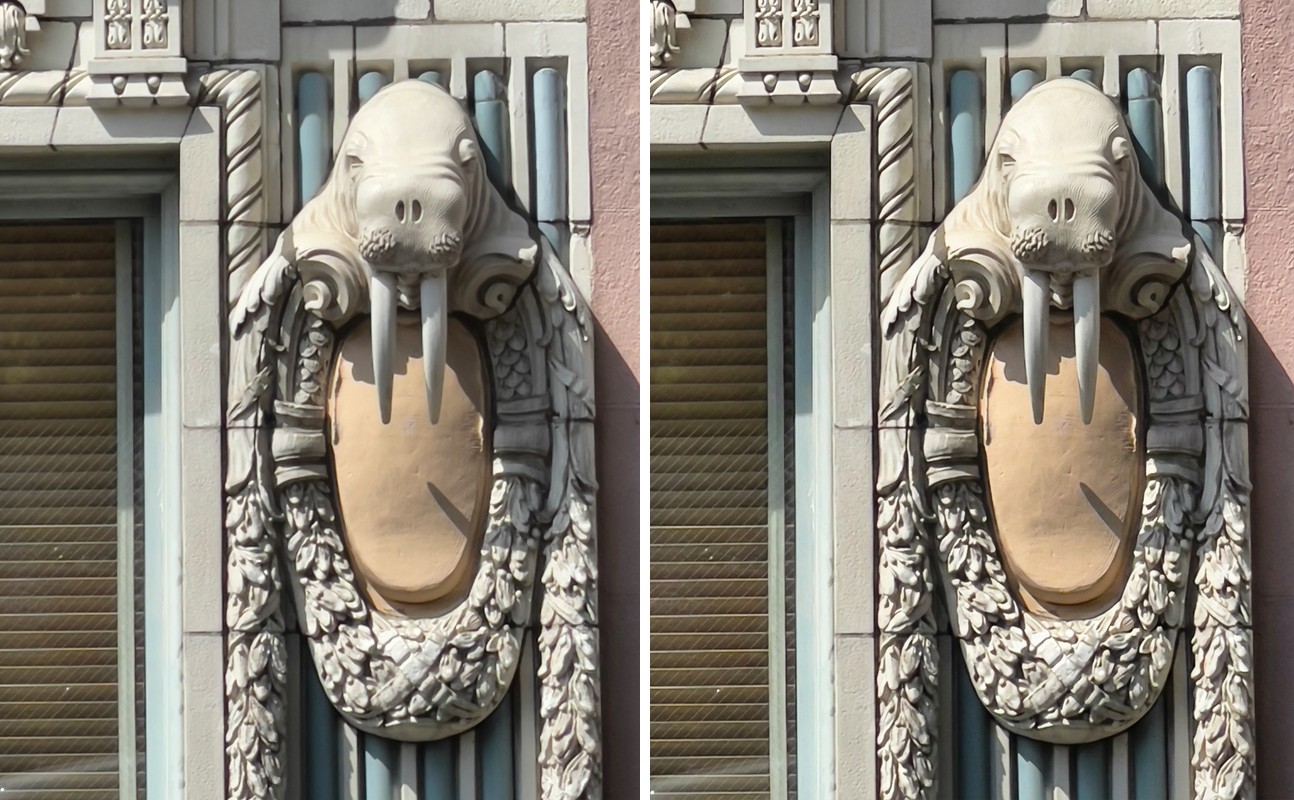
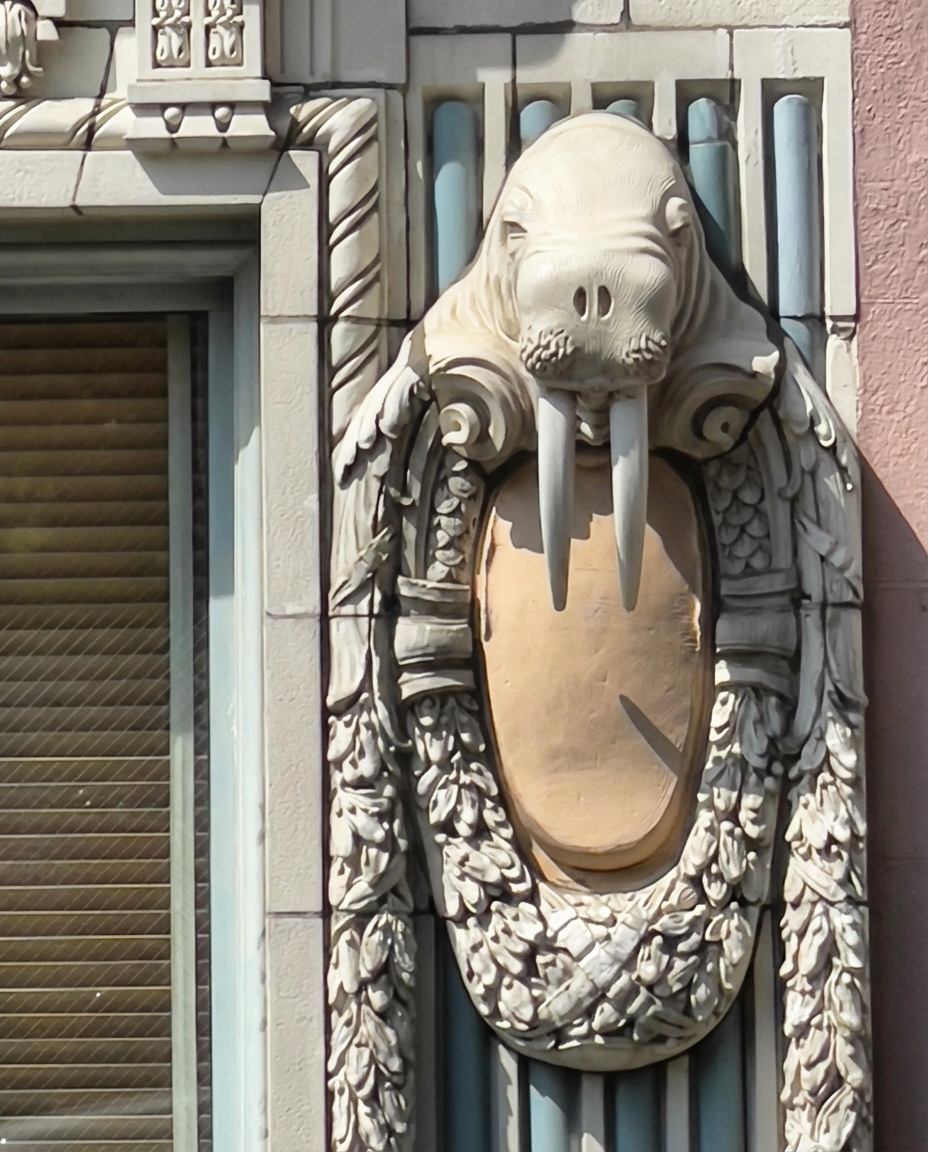
This is a charming architectural detail shot that suffers primarily from a lack of critical sharpness, likely due to crop or lens limitations. Editing should focus on bringing out the tactile quality of the stone without introducing excessive noise artifacts.
- Apply sharpening and structure
- Increase texture and micro-contrast
- Reduce highlights
The image is technically solid with sharp focus and low noise, but the bright highlights on the stonework feel a bit hot in midday light. A highlight pull, selective shadow lift, and a tighter crop would improve texture, clarity of the relief, and overall visual emphasis while retaining the dramatic sunlit mood.
- Reduce highlights globally (Highlights -25 to -40) and pull Whites slightly (-10) to recover detail in the bright stonework, especially on the walrus head and tusks
- Lift shadows selectively on the relief using a mask (Shadows +15 to +30) while keeping background shadows darker; add a small Blacks reduction (-5 to -10) to maintain contrast
- Refine composition with a tighter crop/straighten to reduce the left window area and emphasize symmetry around the walrus; aim to center the subject and remove empty margins
This is a well-composed architectural detail shot with excellent sharpness and clarity. The primary issue is slight overexposure in the midday sun that's washing out the sculptural details. By recovering highlights and enhancing texture, the ornate craftsmanship will be better showcased while maintaining the natural lighting character.
- Reduce highlights by -30 to -40 to recover detail in the cream-colored elephant sculpture and prevent washout
- Apply graduated filter from top to darken upper architectural elements by -0.5 EV to balance exposure across frame
- Increase texture slider by +15 to +20 on the sculpture to enhance carved details and relief patterns
Combined Improvements Applied:
- Apply sharpening and structure
- Increase texture and micro-contrast
- Reduce highlights
- Correct vertical perspective
- Reduce highlights globally (Highlights -25 to -40) and pull Whites slightly (-10) to recover detail in the bright stonework, especially on the walrus head and tusks
- Lift shadows selectively on the relief using a mask (Shadows +15 to +30) while keeping background shadows darker; add a small Blacks reduction (-5 to -10) to maintain contrast
- Refine composition with a tighter crop/straighten to reduce the left window area and emphasize symmetry around the walrus; aim to center the subject and remove empty margins
- Neutralize color cast slightly (cool WB a touch or reduce Yellow saturation -5 to -10; optionally add Vibrance +5) and use HSL to tame the warm stone panel so it doesn't dominate
- Apply targeted texture/clarity to the carved areas (Texture +10 to +20, Clarity +5) and light sharpening with masking (Amount ~50, Masking 70+)
- Reduce highlights by -30 to -40 to recover detail in the cream-colored elephant sculpture and prevent washout
- Apply graduated filter from top to darken upper architectural elements by -0.5 EV to balance exposure across frame
- Increase texture slider by +15 to +20 on the sculpture to enhance carved details and relief patterns
- Shift white balance cooler by -200K to neutralize warm cast and better represent stone materials
Before & After Comparison