REFRACT
Photography Analysis & Enhancement
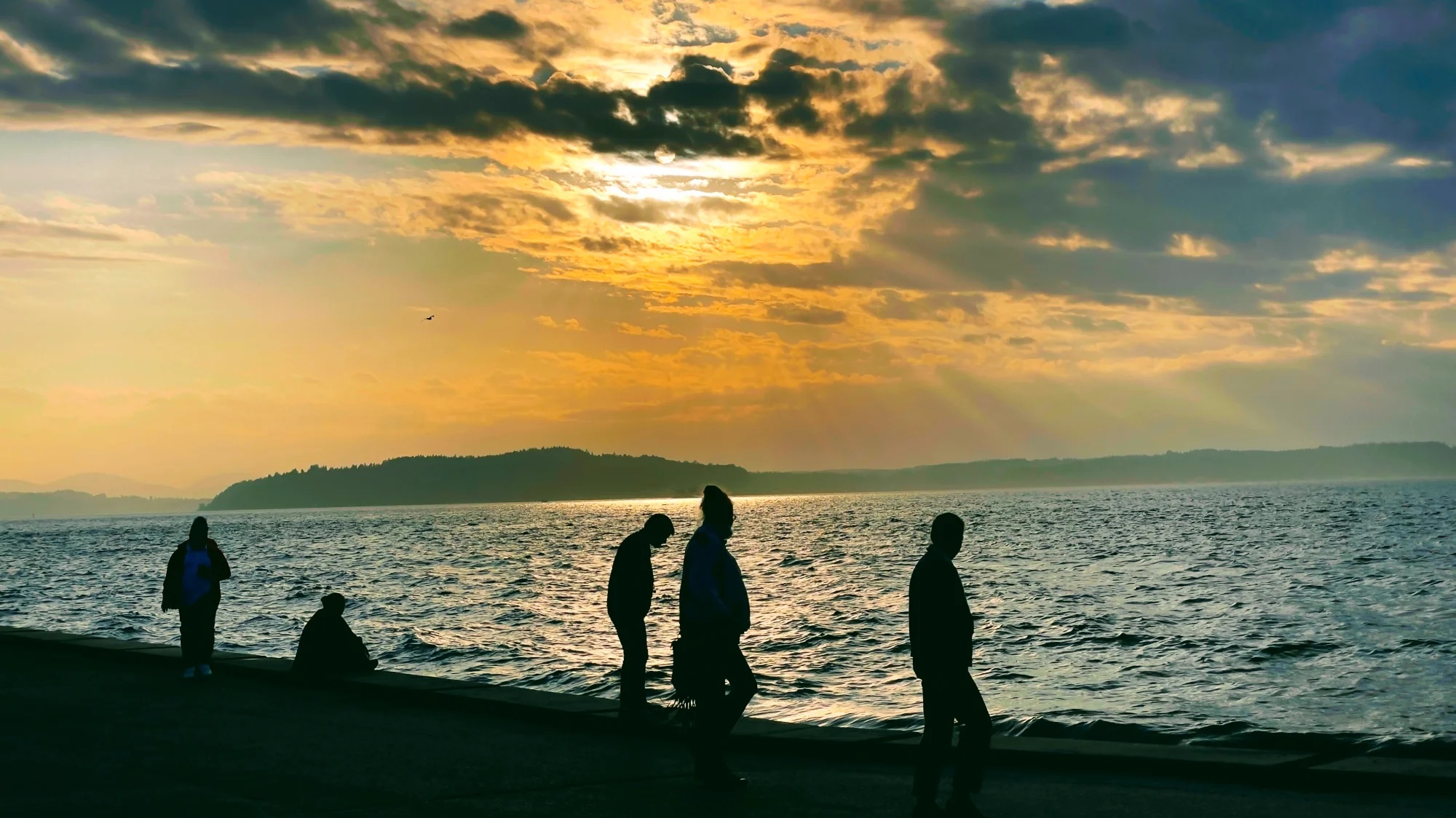
IMG_1262-EDIT.jpg
Multi-LLM Analysis
Consensus Score
Original Review
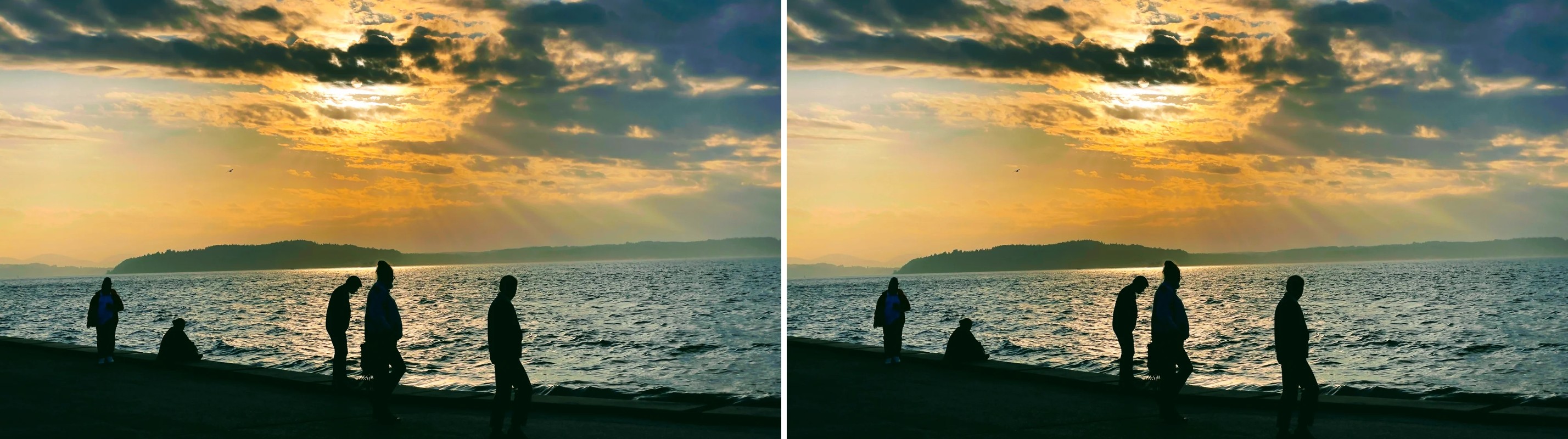
The image captures a beautiful atmospheric moment with striking sun rays and well-positioned subjects. However, the heavy post-processing results in visible HDR artifacts (halos) and slightly oversaturated colors that detract from the natural mood.
- Reduce 'Clarity' or 'Structure' settings by 15-20% to eliminate the unnatural white halos visible around the dark cloud edges and horizon.
- Desaturate the blue and cyan channels by 10% to make the water tone look more natural against the warm sunset light.
- Lower the black point (crush the blacks) slightly to remove image noise in the foreground silhouettes and make them crisp solid shapes.
Strong golden-hour mood with dramatic cloud texture and pleasing silhouettes, but the sky is slightly blown near the sun and the horizon feels a touch off-level. Improving highlight control, subtle shadow shaping, and a tighter crop will increase clarity and balance while keeping the cinematic atmosphere.
- Straighten the horizon by approximately +0.5° clockwise to level the waterline.
- Recover highlights in the sky by reducing highlights ~30% and whites ~10% to preserve cloud detail around the sun.
- Lift shadows in the foreground silhouettes slightly (increase shadows ~15%) while keeping blacks deep (decrease blacks ~5%) to maintain silhouette shape without losing detail.
Analysis failed: Error code: 400 - {'type': 'error', 'error': {'type': 'invalid_request_error', 'message': 'messages.0.content.0.image.source.base64.data: Image does not match the provided media type image/jpeg'}, 'request_id': 'req_011CWq4YmDbBkwHsMvGVdTY5'}
Combined Improvements Applied:
- Reduce 'Clarity' or 'Structure' settings by 15-20% to eliminate the unnatural white halos visible around the dark cloud edges and horizon.
- Desaturate the blue and cyan channels by 10% to make the water tone look more natural against the warm sunset light.
- Lower the black point (crush the blacks) slightly to remove image noise in the foreground silhouettes and make them crisp solid shapes.
- Crop 5-10% from the top of the frame to adhere closer to the rule of thirds, placing the horizon line slightly higher.
- Straighten the horizon by approximately +0.5° clockwise to level the waterline.
- Recover highlights in the sky by reducing highlights ~30% and whites ~10% to preserve cloud detail around the sun.
- Lift shadows in the foreground silhouettes slightly (increase shadows ~15%) while keeping blacks deep (decrease blacks ~5%) to maintain silhouette shape without losing detail.
- Crop ~10% from the bottom to reduce the heavy dark foreground and place the horizon closer to the lower third.
Before & After Comparison