REFRACT
Photography Analysis & Enhancement
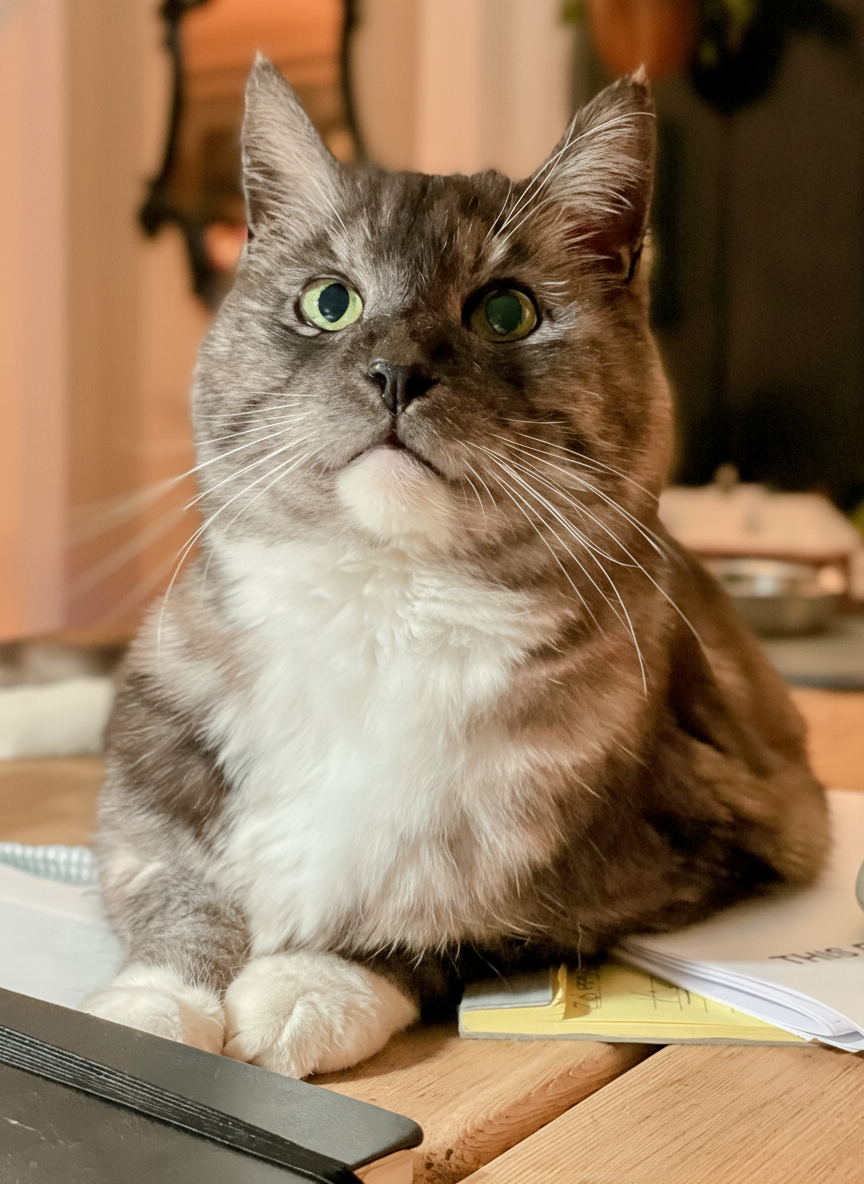
IMG_8090 Copy.jpeg
Multi-LLM Analysis
Consensus Score
Original Review
The photograph captures a charming subject with good clarity. Improvements in lighting and color temperature would enhance the overall appeal and make the cat's features pop even more, providing a cleaner, more vibrant look.
- Increase overall brightness by 15%
- Adjust white balance slightly cooler to remove yellow cast
- Sharpen the cat's eyes and whiskers for more detail
Analysis failed: Error code: 401 - {'error': {'message': 'Incorrect API key provided: sk-proj-********************************************************************************************************************************************************98YA. You can find your API key at https://platform.openai.com/account/api-keys.', 'type': 'invalid_request_error', 'code': 'invalid_api_key', 'param': None}, 'status': 401}
The composition and subject positioning are excellent with good depth of field isolating the cat. However, the image appears slightly underexposed making some facial details unclear, and the warm lighting creates an orange color cast that could be balanced for more natural tones.
- Increase overall exposure by 10-15% to brighten the cat's facial features
- Enhance the green eye color saturation by 20-25% to make them more striking
- Apply subtle sharpening to the whiskers and facial details
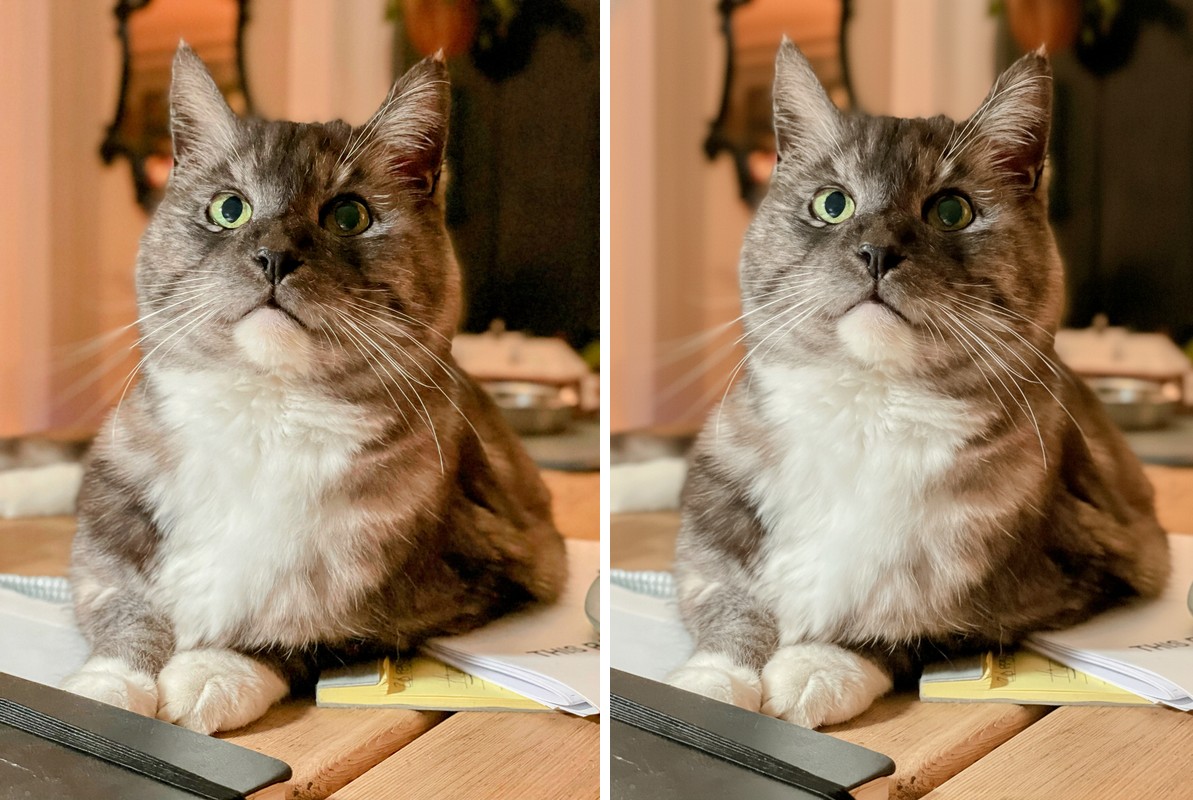
Combined Improvements Applied:
- Increase overall brightness by 15%
- Adjust white balance slightly cooler to remove yellow cast
- Sharpen the cat's eyes and whiskers for more detail
- Reduce highlights slightly in the background to minimize distraction
- Increase overall exposure by 10-15% to brighten the cat's facial features
- Enhance the green eye color saturation by 20-25% to make them more striking
- Apply subtle sharpening to the whiskers and facial details
- Reduce the warm color cast by adjusting white balance toward cooler tones
Before & After Comparison